
Wicked Island Settings: Best Graphics, Controls and Rules
Best Wicked Island settings for performance and clarity: graphics options, DLSS and XeSS, keybinds, game rules, Steam Deck tips and the Apply button.
Wicked Island's settings menu is deeper than it looks. The 1.0 build added upscaling fixes, more quality options and a lower-cost water mode, while the game-rules tab controls two adult systems that are off by default. The one trap is the Apply button: changes are not live until you confirm. The beginner guide→ covers the first hour, before you touch the graphics tab.
Quick answer: Start with the default quality preset, enable DLSS or XeSS if your GPU supports it, lower the texture pool only if VRAM is tight, and press Apply. For controls, rebind dodge and power attack first; the defaults are Alt and Ctrl. Game rules are optional and off by default.

What are the best graphics settings?
Start with the default preset, then adjust one variable at a time. The 1.0 build set a new default that the developer considers a good balance, so it is a sane baseline.
If you have an Nvidia RTX card, enable DLSS. If you have an Intel Arc or a supported iGPU, use XeSS. If neither is available, TSR is the fallback. The 1.0 patch fixed bugs in both DLSS and XeSS, so the upscalers are worth using now.
Texture pool is the setting to watch on 8 GB cards. High settings raise the pool and can stutter if VRAM is full; drop one step before you drop the overall preset.
Water quality has a low-cost option in 1.0. On a laptop or a Steam Deck, lowering water is the cheapest visual hit for a meaningful frame gain.
How do you improve performance?
Three changes, in order: enable upscaling, lower the texture pool, lower water. Those target the biggest costs without turning the game into a blur.
The 1.0 patch also optimized loading, building CPU cost, foliage, ocean, snow and water footsteps, inventory and stat calculations. If you last played in Early Access, the current build is faster before you touch a setting. The update roadmap→ lists the performance patches in order.
Cap the frame rate if your GPU runs hot. A stable 60 is better than a fluctuating 90 in a survival game with melee timing.
Do not disable shadows entirely. The game uses shadows for enemy readability in caves; low shadows are better than none.
What are the best control settings?
Rebind dodge and power attack before your first fight. The defaults are Left-Alt for dodge and Left-Ctrl for power attack, which are awkward on a small keyboard.
Set interact to a key you can reach while moving. E is the default and works, but a side mouse button is more comfortable if you have one.
The hotbar is 1 through 6. Put food and healing on the first two slots; the game does not pause in combat.
The full default list: WASD movement, Shift sprint, Space jump, E interact, I inventory, J journal, M map, F radial menu, Tab HUD, Esc pause, F5 quick save, G first person, Alt dodge, Ctrl power attack and Alt again to toggle dragon flight while mounted.
How do game rules work?
The game-rules tab controls optional adult systems and a few sandbox toggles. Both adult systems are off by default; with them off, a defeat is a normal death and respawn.
This site does not detail the adult content. The relevant settings fact is that they are opt-in, and the game can be played without them.
After changing a rule, press Apply. The setting does not take effect until you confirm, which is the most common reason a toggle "does not work."
Some rules are save-specific. If you load a different save, check the tab again.
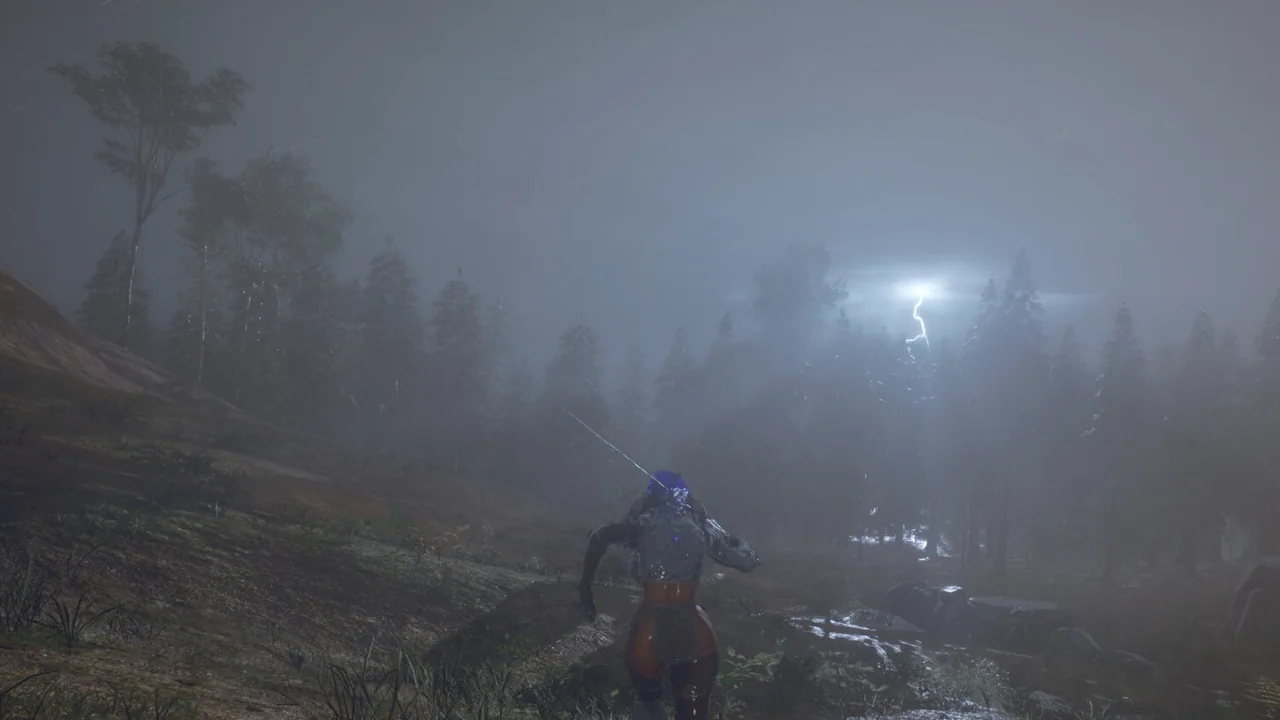
How do you play on Steam Deck?
The game added Steam Deck support in the January 2026 update. Use the default controller layout or a community layout, and drop the preset to medium with upscaling on.
The text is small on the Deck's screen. Increase UI scale if the build offers it, and use the zoom keybind for inventory management.
Battery life is the real constraint. Cap at 30 or 40 FPS for a longer session; the game is not twitch-sensitive enough to need 60 on a handheld.
If the Deck build stutters after a patch, clear the shader cache. That is a generic SteamOS fix, not a game-specific one.
Why did my settings reset?
A crash or an alt-tab during a graphics change can prevent the config from saving. The 1.0 patch fixed a config filename typo, which may explain old profiles that failed to load.
Set the options, press Apply, then return to the main menu once. That forces a write.
If the file is read-only or the folder is synced by a cloud tool, the game cannot save the config. Check the file properties if resets persist.
Should you use borderless or fullscreen?
Borderless is better for alt-tabbing and for multi-monitor setups. Exclusive fullscreen can give a small latency win, but the difference is minor on modern Windows.
If you stream or record, borderless avoids the black flash when the game loses focus.
Test both for ten minutes. The right choice is the one that does not stutter on your machine.
What should you change first?
Three things: enable upscaling, rebind dodge, and check the game-rules tab. Everything else can wait until you have played an hour.
The first hour is a tutorial in disguise. You will not know whether the FOV is too narrow until you fight in a cave, and you will not know whether the texture pool is too high until you enter a town.
Change the essentials, then tune. A stable baseline beats a perfect preset you cannot feel.
Do settings affect achievements?
No. Graphics, controls and game rules do not block achievements. The only risk is the cheat menu, which is a separate panel.
The achievements guide→ covers the counters; the codes guide→ covers the cheat menu.
Official source: Wicked Island on Steam ↗
Official source: Wicked Island 1.0 release notes ↗
Community source: Wicked Island wiki ↗
FAQ
What are the best settings for Wicked Island?
Default preset, DLSS or XeSS on, texture pool one step lower on 8 GB cards, low water on handhelds. Press Apply after every change.
Why are my settings not saving?
You may not have pressed Apply, or the config file may be read-only. Apply, return to the main menu, then relaunch.
Does Wicked Island support DLSS and XeSS?
Yes. The 1.0 patch fixed bugs in both, and TSR is the fallback upscaler.
Can you play Wicked Island on Steam Deck?
Yes. Steam Deck support was added in the January 2026 update; medium settings with upscaling is the practical starting point.